Three real games. Designed on paper by a kid, built with AI by the adult beside them. Tap one and play.
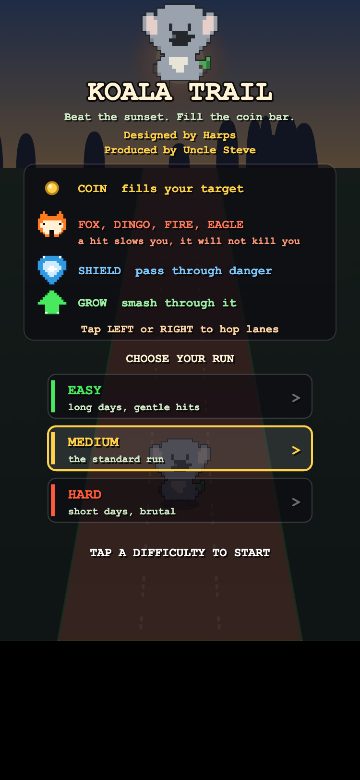
Koala Trail
Designed by Harper, aged eight, while waiting for a bowl of hot chips. Questions, answers, a bit of arguing about the rules. Built on a phone before the chips arrived.
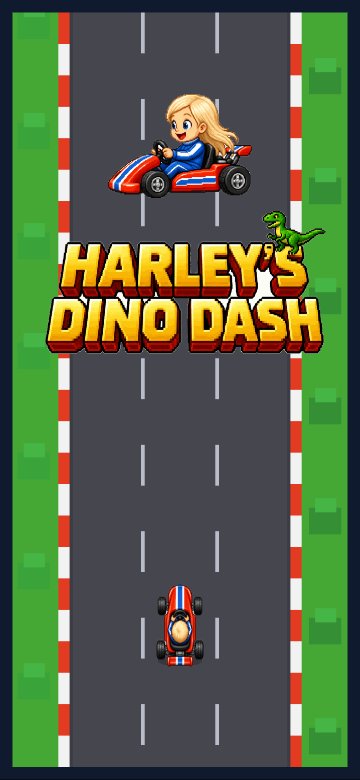
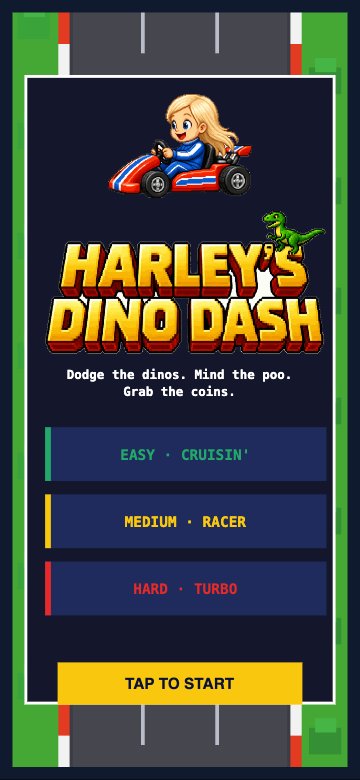
Harley's Dino Dash
Designed by Harley, aged three. A short session on the floor, lots of drawing, and the adult did the rest. "Can I play Harley's game?" is now a sentence in two households.
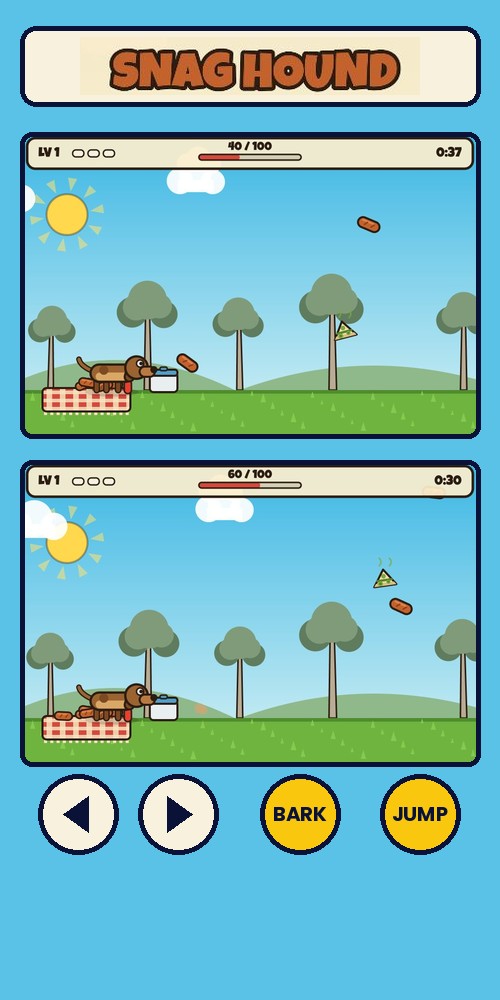
Snag Hound
Designed by a nine-year-old from a full game design document. Banjo, one red sock, Aunty Sharon's mouldy sandwiches. Plays sideways.
Every one of these ends. Three lives, a clock, a real game over. That is on purpose, and it is in the guide.
"It was so good to spend time with my nephew in his world. I've definitely earned some cred as the cool uncle now."
James, uncle
"I ran it for my daughter and her friends. They loved it. It was a great afternoon."
Samantha, parent
"That was easier than I thought."
Paul, family friend
Why I made this
It started with a bowl of hot chips
Waiting for hot chips with my niece Harper, we designed our own game and built it with AI on my phone while we waited. That was Koala Trail. Then Harley, aged three, designed Dino Dash. The method has made dozens of games since.
It was never about the game. The connection is the point.
Steve Corney, learning designer, TEDx speaker and professional uncle.
The guide
$19
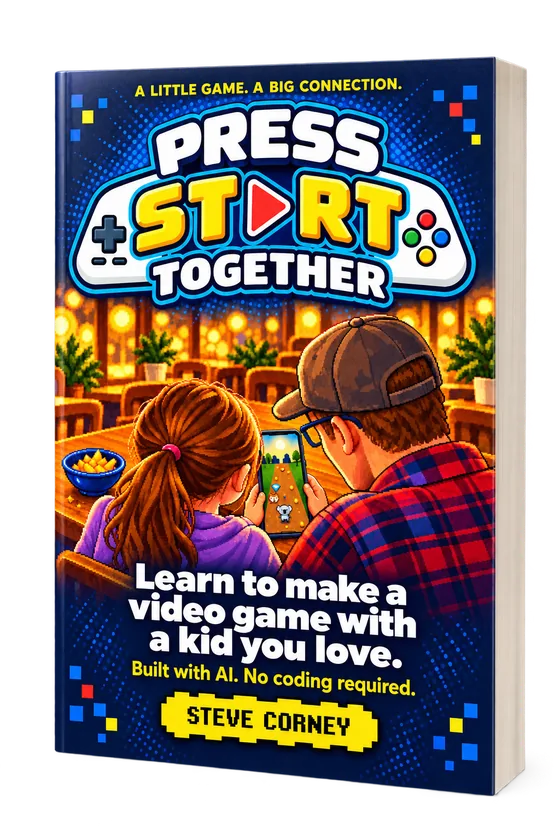
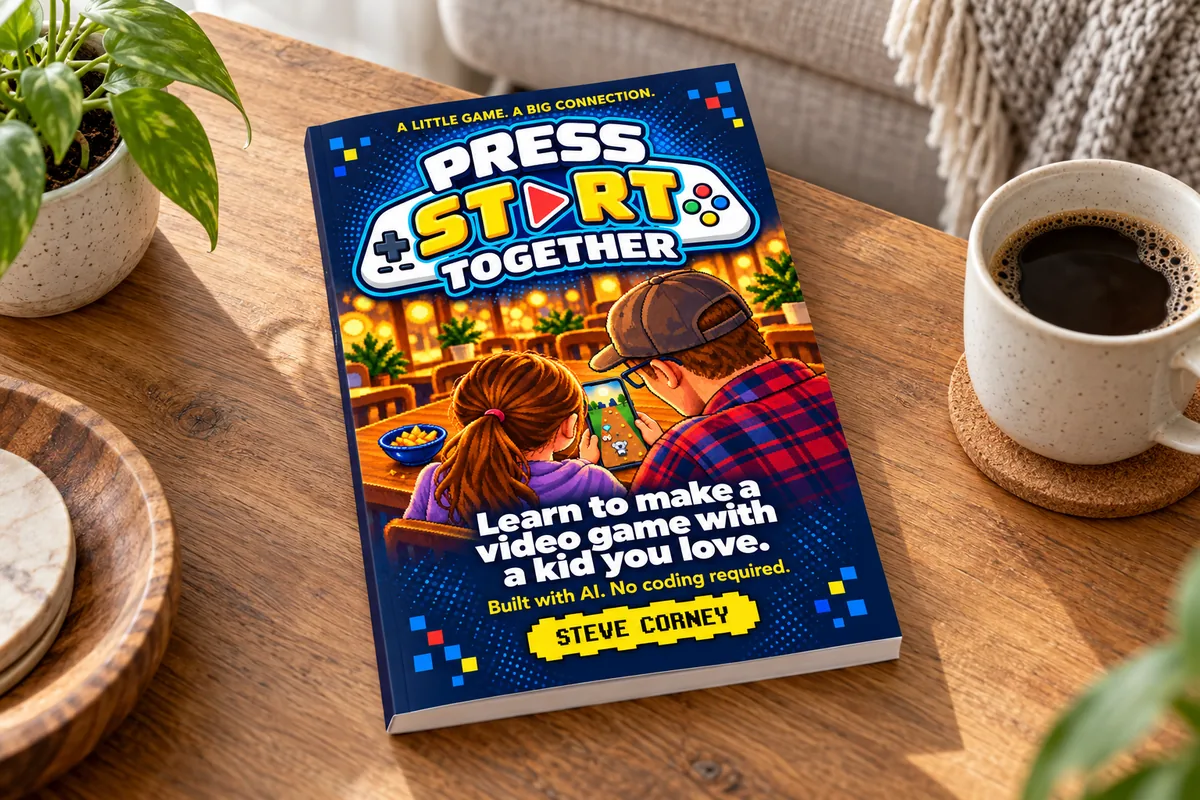
A 130+ page PDF, emailed straight after checkout
Every question and prompt, what to ask the kid and what to paste into the AI
Three lanes, pick the one that fits the kid in front of you
Use it with every kid, buy it once and make a game with each of them
No. You need to be able to ask questions and copy and paste. The AI does the coding. The guide gives you every prompt.
How long does it take?
One afternoon, or a few short sessions over a week or two. Little kids: one twenty-minute chat plus an hour of your time. Big kids: six half-hour sessions.
Which AI tool, and what does it cost?
The guide recommends Claude for the build and ChatGPT or Gemini for art, with the reasons. Free tiers are enough for a first game. About US$20 a month makes it smoother. You own the account, not the kid.
Is it safe?
Two rules, non-negotiable: the adult owns the AI account and stays in the room, and nothing that identifies a real kid goes into an AI tool or a published game. Nicknames only. Draw the characters, never photograph the kid.
Isn't this just more screen time?
An hour being fed by an algorithm and an hour making something are both screen time on the tally. They are not the same hour. Most of this happens away from the screen, with paper and textas.
Every game ends. The memory doesn't have to.
One afternoon. One retro game with both your names in it. One kid who remembers you made it together.
 A Learn Awesome project